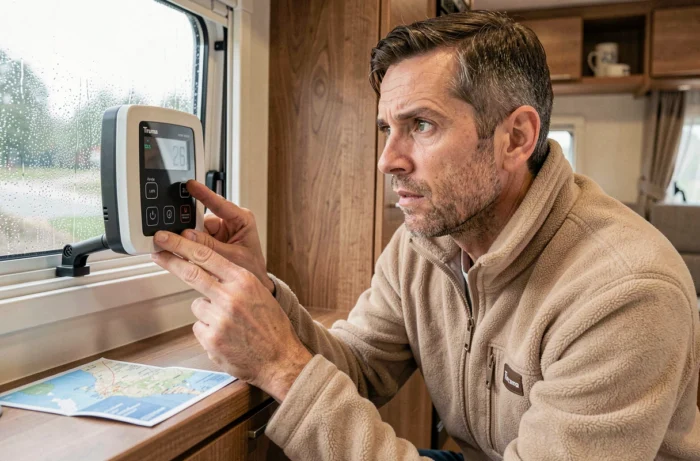
The Truma CP plus control panel displays alphanumeric codes as soon as an anomaly is detected in the Combi heating system. Each code corresponds to a specific fault, categorized by family: gas supply, electrical voltage, overheating, or electronic failure. Knowing how to read these codes allows you to distinguish between a problem that can be fixed by yourself and a failure that requires a certified technician.
Blocking time after a gas error code: the unknown trap of the CP plus
The codes in the 500 family (notably E 507, E 516, and E 517) concern the gas supply or the ignition of the burner. When one of them appears, the natural reflex is to check the propane bottle, reopen the valve, and then restart the heating.
The problem arises at this precise moment. Even if the cause is corrected, the Truma Combi imposes a blocking time of about fifteen minutes after certain gas codes. During this window, the device refuses any new start. Many users interpret this refusal as a persistent failure and make multiple attempts, which only resets the safety counter.
The best practice: correct the fault (empty bottle, closed valve, kinked hose), then wait without touching the panel. The heating becomes operational again once the time has elapsed. This behavior is a protection for the burner, not a malfunction.
To quickly identify the relevant code family, a summary of all Truma CP plus error codes helps to know immediately if the time blocking applies or not.
Reset Truma CP plus: two procedures not to be confused
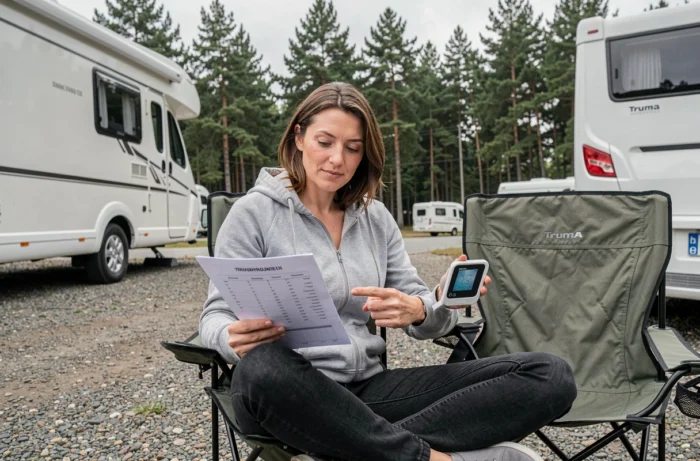
The word “reset” comes up in all motorhome forums as soon as an error code appears. The CP plus actually offers two levels of reset that have different effects.
Simple reset via the rotary button
A brief press on the rotary/push button of the panel allows you to acknowledge a one-time error code. This action is sufficient for “W” (warning) type codes, which indicate a temporary fault that has already been resolved, such as a brief gas cut during driving.
Complete electrical reset
The second level involves cutting the 12-volt power supply to the CP plus panel for about thirty seconds and then restoring it. This procedure resets the memory of the control electronics. It is useful in the case of a persistent error code after correcting the fault, particularly codes related to voltage (family 255) or a faulty temperature sensor.
- Check that the auxiliary battery provides sufficient voltage before restarting, as low voltage immediately triggers a new W 255 H error code.
- Do not confuse the fuse of the CP plus panel with that of the Combi heating itself: these are two distinct circuits, and cutting the wrong fuse resets nothing.
- After an electrical reset, the panel sometimes asks for the language and time again, which is normal and does not indicate an additional fault.
Electronic error codes: when the CP plus signals an internal fault
Aside from the gas and voltage families, some codes point to a problem with the onboard electronics of the Combi or the panel itself. These codes are often preceded by the letter “E” (error) and not “W” (warning), indicating a fault requiring technical intervention.
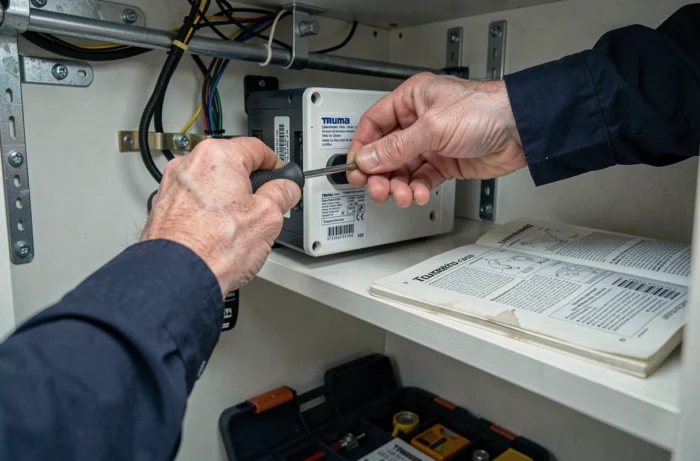
An E code related to an internal temperature sensor, for example, indicates either a disconnected cable between the Combi and the CP plus or a faulty sensor. No reset will resolve this type of failure. The device goes into safety mode and refuses to heat until the sensor signal is restored.
Another common case: an error code that appears only in hot water mode but never in heating mode alone. This behavior points to the temperature probe of the water tank, not the burner. Identifying the active mode at the time of the error directs the diagnosis much faster than the code alone.
End of support for the Truma iNet System app: what this changes for diagnostics
Truma announced in September 2026 the end of software support for the Truma iNet System app starting January 1, 2027. This app allowed users to receive notifications of error codes remotely, view fault logs, and obtain a description of the fault directly on a smartphone via the iNet Box gateway.
For owners equipped with this box, transitioning to the new iNet X environment will be necessary to maintain remote diagnostics. In the meantime, the physical CP plus panel remains the primary source of information: it displays the code, the type of fault, and the relevant mode (heating, hot water, or both).
This change makes direct knowledge of the codes even more useful. Rather than relying on a notification translated by the app, reading the code directly on the panel and knowing its family becomes the most reliable method.
- Keep the paper manual or its PDF version in the vehicle, as it contains the complete list of codes with the recommended actions from Truma.
- Note the exact code (letter, number, suffix H or not) before any manipulation, so you can communicate it to a technician if the problem persists.
- Check on the Truma website if the vehicle is compatible with iNet X before investing in a new gateway.
The majority of error codes from the CP plus can be resolved by checking the gas supply or the 12-volt voltage, followed by an appropriate reset. The electronic E-type codes, which are rarer, indicate a hardware fault that exceeds the scope of user troubleshooting. Keeping a written record of each displayed code, along with the date and active mode, is the best long-term diagnostic tool.