When you want to share vacation photos or everyday moments only with a small circle, the usual reflex is to switch your existing account to private mode. The problem is that this account often has hundreds of followers accumulated over the years, half of whom are vague acquaintances or forgotten accounts. Sometimes it’s better to start from scratch with a dedicated profile, configured from the outset for discretion.
Instagram privacy settings often misconfigured from the start
Switching an account to private takes a few seconds. What takes more time is checking everything that remains visible despite this setting. A private account protects your posts and stories from non-followers, but your profile picture and bio remain accessible to everyone.
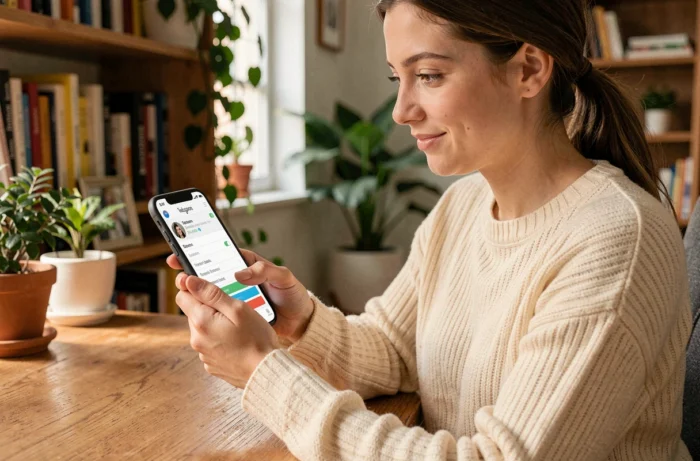
If you create a second profile for use among friends, you should think from the moment of registration not to enter your full real name in the “Name” field. A first name or a nickname is sufficient. The username (the visible @) should also not be the same as your main account or contain your last name.
The other often overlooked point concerns contact suggestions. Instagram suggests your profile to people who have your phone number in their contacts. For a discreet account, it’s better to create a private Instagram account using only a dedicated email address, without linking a phone number to this profile.
- Disable contact syncing in the account settings right after creation
- Do not link this new profile to your Facebook account, as Meta cross-references data between its platforms
- Avoid posting your first photo from a geolocated place that identifies you (home, office)
Private Instagram account and control of received messages
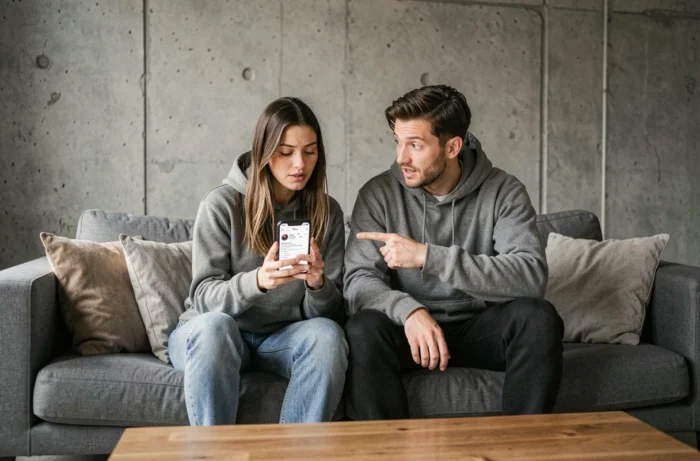
A private profile prevents strangers from seeing your posts. However, it does not stop anyone from sending you a message. By default, message requests arrive in a separate tab, but they still generate a notification.
Instagram has introduced a “Hidden Requests” folder that automatically filters messages considered unwanted. These messages arrive without any notification, and their content remains hidden until you choose to display it. You can also configure the “Hidden Words” feature to set a list of words or phrases that will automatically send corresponding messages to this hidden folder.
For an account reserved for your close ones, the simplest option is to restrict messages to only the accounts you follow. This setting can be found in Settings, then Privacy, then Messages. With this configuration, only the people you have accepted as followers and whom you follow back can message you directly.
Stories and Reels on a private profile: what leaks despite everything
The stories of a private account are only visible to approved followers. So far, no surprise. However, if a follower takes a screenshot of your story, Instagram does not notify you. The only exception concerns ephemeral messages sent in DMs (viewed once mode), for which a screenshot notification exists.
Reels published from a private account do not appear in the Explore tab or in recommendations. This is an advantage for discretion, but it’s important to know that if you share a Reel in a group chat, group members can see it even if they are not following your profile. This nuance surprises many people.
The issue of tagged accounts and mentions
When someone mentions you in a story or post, your username becomes clickable even if your account is private. The curious internet user will see your profile picture and bio, but cannot access your posts. Hence the interest in a neutral username that does not link you to your main account.
You can also enable manual approval of tags in Settings, then Privacy, then Tags. Each mention will need to be approved before appearing on your profile.
Private Instagram accounts for minors: additional restrictions from 2024
If you set up a profile for a teenager under 16, the operation changes radically. Meta has rolled out “Teen Accounts” that impose private mode by default. Switching to a public account requires explicit consent from a parent via the family supervision center.
These accounts also restrict interactions: only profiles already followed or connected can send a direct message to the minor. Recommended content in the Explore tab and Reels is filtered to a category equivalent to content suitable for those over 13.
Feedback varies on the actual effectiveness of these filters, but the technical framework is established. For a parent, the key point to remember is that disabling these protections requires a voluntary action from the parental account, which limits impulsive changes on the adolescent’s side.
- The family supervision center allows you to see the list of followers and accounts followed by the minor
- Screen time notifications are enabled by default after 60 minutes of daily use
- Night mode disables notifications between 10 PM and 7 AM on these accounts
Creating a separate profile to share only with your close ones does not require any special technical skills. The challenge is mainly to think about each setting at the time of registration rather than patching it up afterward. A neutral username, a dedicated email address, contact syncing turned off, and messages limited to mutual followers: with these four settings, the profile serves its purpose without any unpleasant surprises.